Command Center Explained
Published March 6, 2021
YouTube Helix guru Steve Sterlacci has a great video to help you get started on Command Center for your Helix and HX Stomp devices. It's a big upgrade to the footswitches on the Stomp specifically, as it allows you to use the 3 footswitches in a more customized manner. You can:
- Set the footswitches to work independently of mode - one to a snapshot, another to a preset, etc.
- Send commands to other MIDI devices, or even keyboard commands to your DAW on a PC or Mac.
Some Products That We Love
Brought to you by the Fluid Solo department of CommerceAdd 4 buttons to your HX Stomp Via Midi
The M-Vave Chocolate Plus is a versatile Midi and USB Host pedal that adds 4 footswitches to your Midi or USB capable devices such as HX Stomp. It is rechargeable and easily programmable, plus it can also be used in a wireless fashion.

Last seen for about $45
Put Some Pedal Toppers On!
Pedal toppers make switching easier by giving you more surface area for your feet.
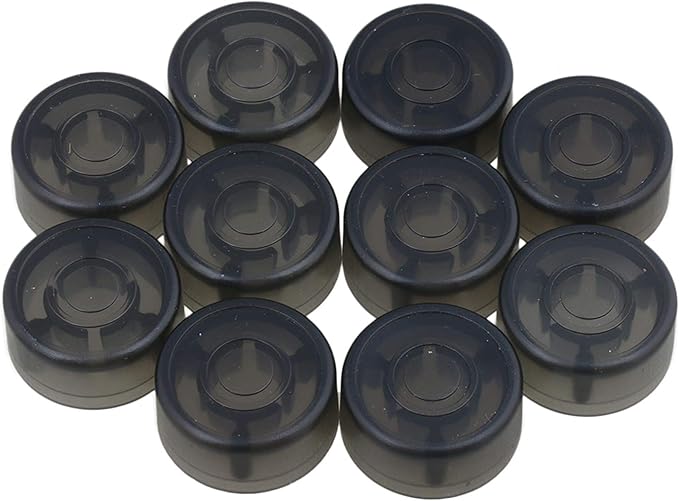
Last seen around $9 for a ten-pack
Power your HX Stomp via USB
This handy cord allows you to power your HX Stomp from a USB port, so you can power it from a USB power bank or other power source.
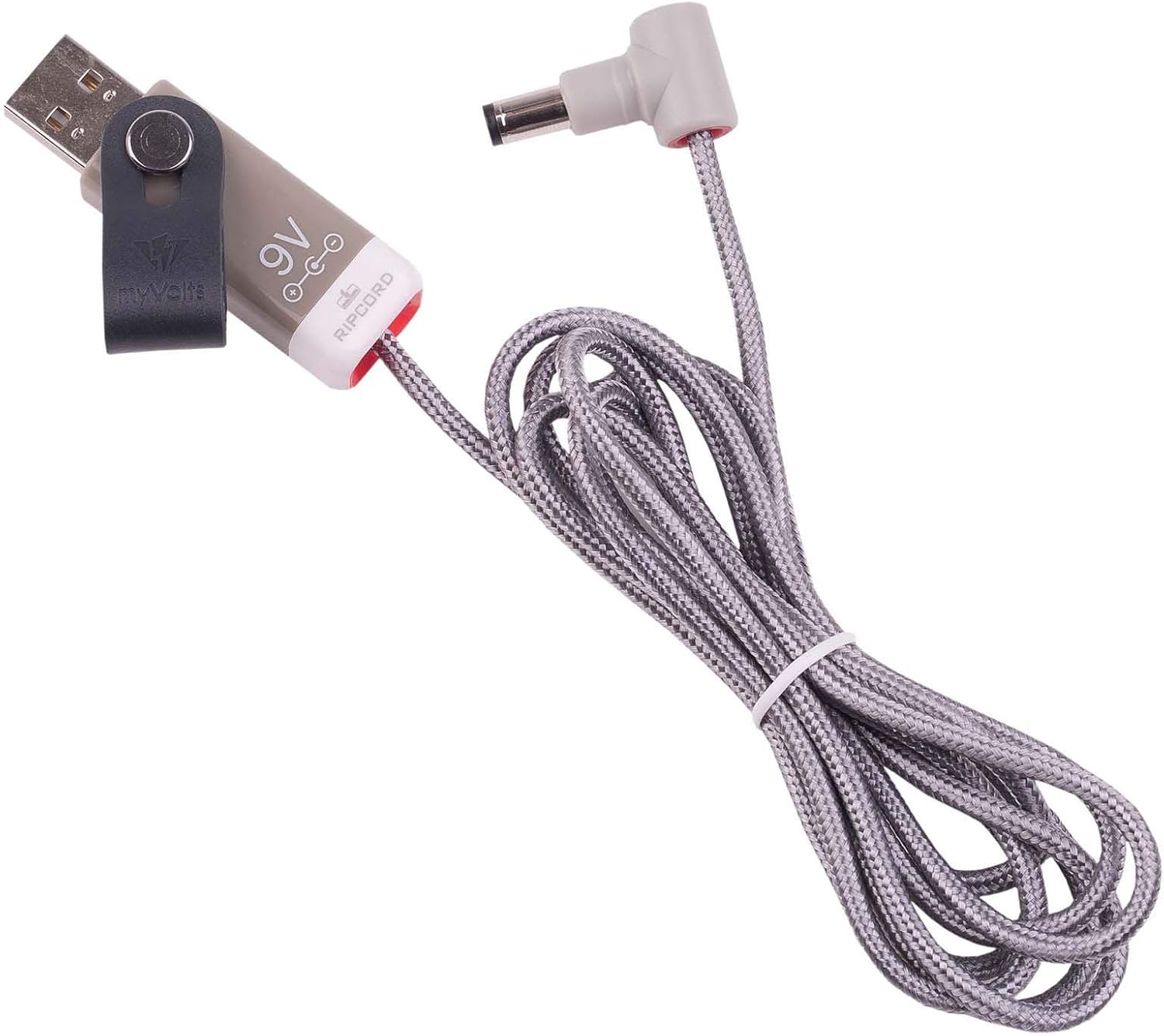
Last seen around $23